Introduction
Searstar is a high-performance userspace TCP stack, which can run with/out DPDK. We can refer to it at https://github.com/scylladb/seastar
Several similar projects: mTCP from KAIST, F-Stack from Tencent. All of them have well-written codebase.
Compile
- Env: Ubuntu 16.04 with kernel 4.4.0-131, gcc/g++-7.
Clone the repo:
https://github.com/scylladb/seastarCheckout a stable version:
cd seastar; git checkout remotes/origin/seastar-18.08-branch -b seastar-18.08Install dependencies:
sudo ./install-dependencies.shConfigure compilation:
./configure.py --mode release --enable-dpdk. You might encounter configuration fail. You should upgrade the version of libboost, install yaml and fmt. An example output: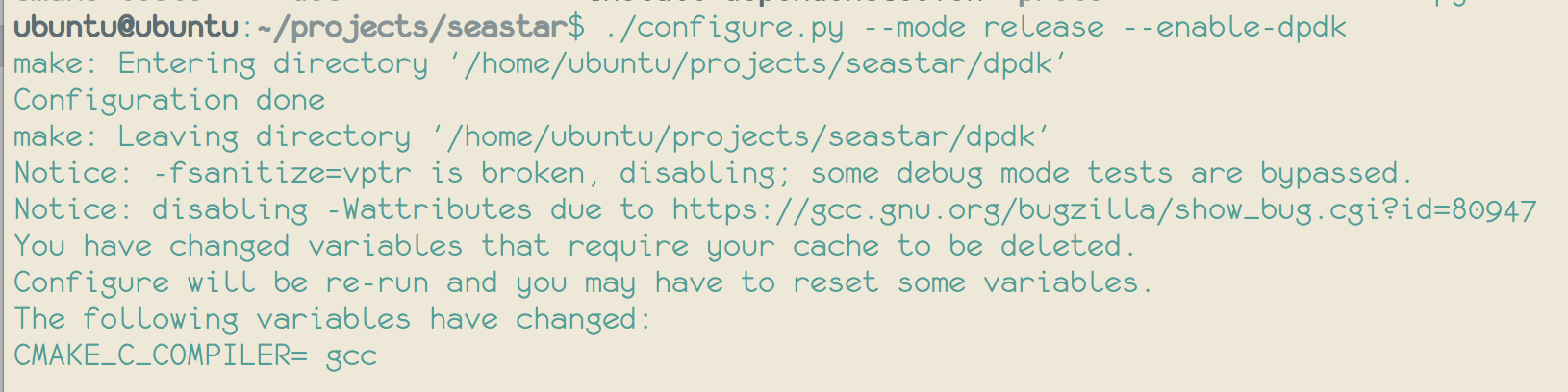
Build the project:
ninja. An example output:
Run an example app
Use apps/httpd as the example.
Run seastar-httpd on server S1; and on S2, use
wgetcommand to test whether it works well.S1: Use DPDK’s
dpdk-devbind.pyto bind a NIC (XL710, 40G in my server) to ‘igb_uio’ driver. Then, running httpd withsudo ./build/release/apps/httpd/httpd --network-stack native --dpdk-pmd --dhcp 0 --host-ipv4-addr 192.168.11.4 --netmask-ipv4-addr 255.255.255.0 --collectd 0 --smp 2. You can change the ip address (192.168.11.4) with your own setting, and the number of CPU cores in--smp 2.S2: First, run
ping 192.168.11.4to test arp. After httpd process in S1 is started. you will get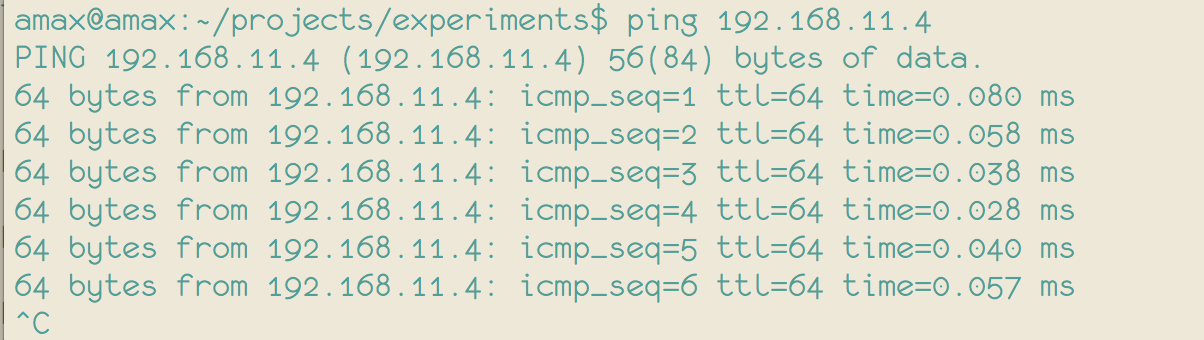
Otherwise,
S2: Then, use
wgetto test http function -wget http://192.168.11.4:10000. You will get